savemethat
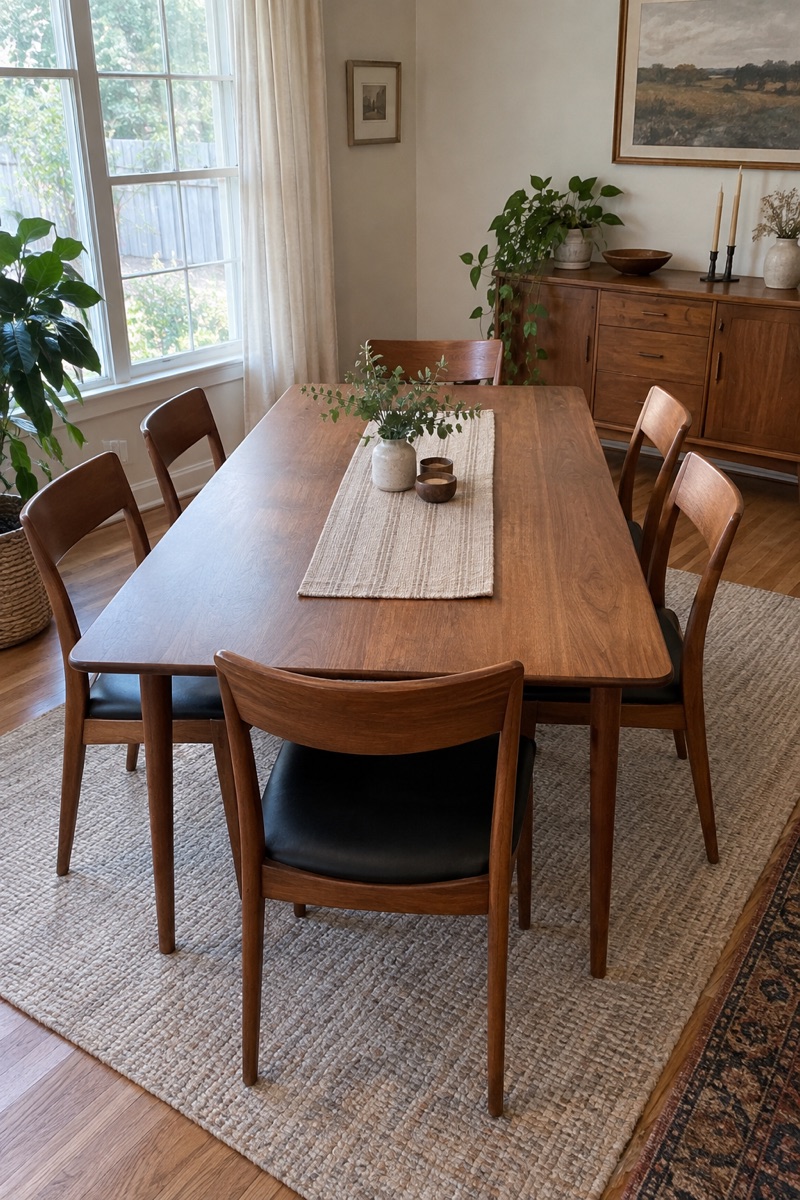
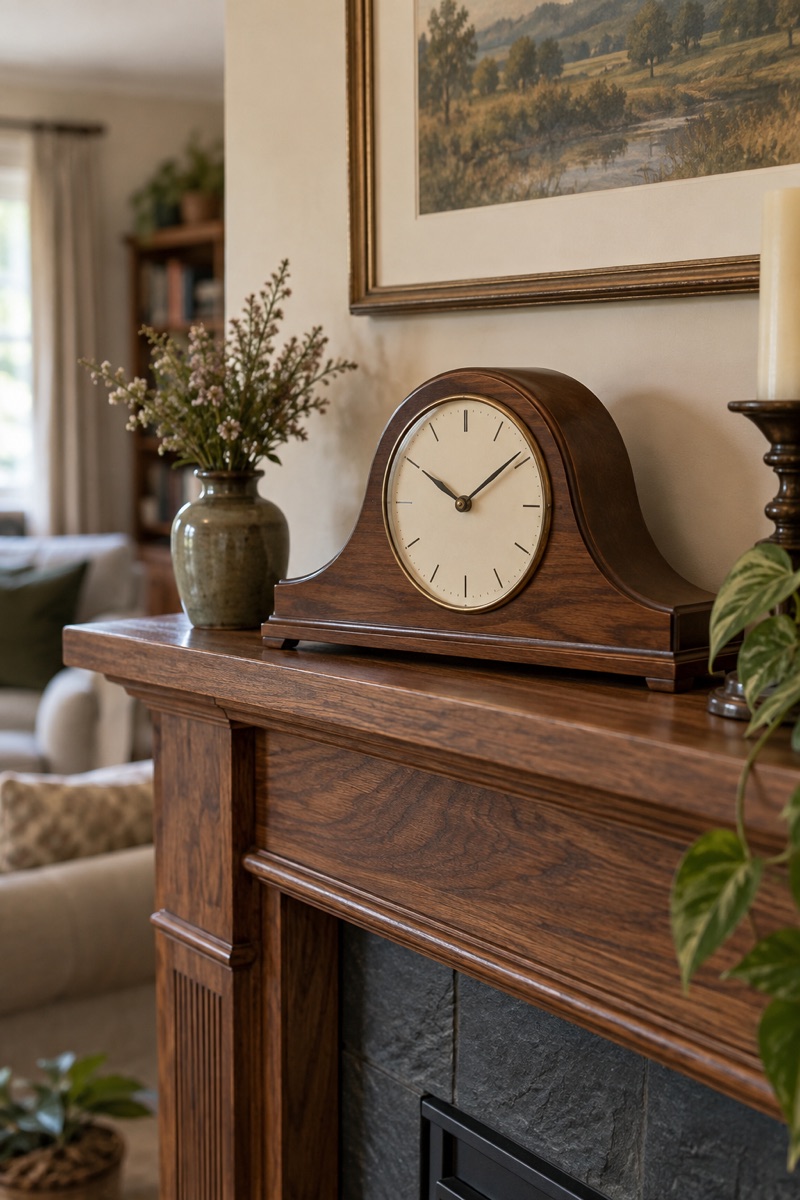
Say which things you'd love to keep.
Some things should stay in the family. Look through what someone you love is passing on, tap the ones that matter to you, and they decide who gets what. Only the person passing things on and anyone helping them see who asked.
How it works
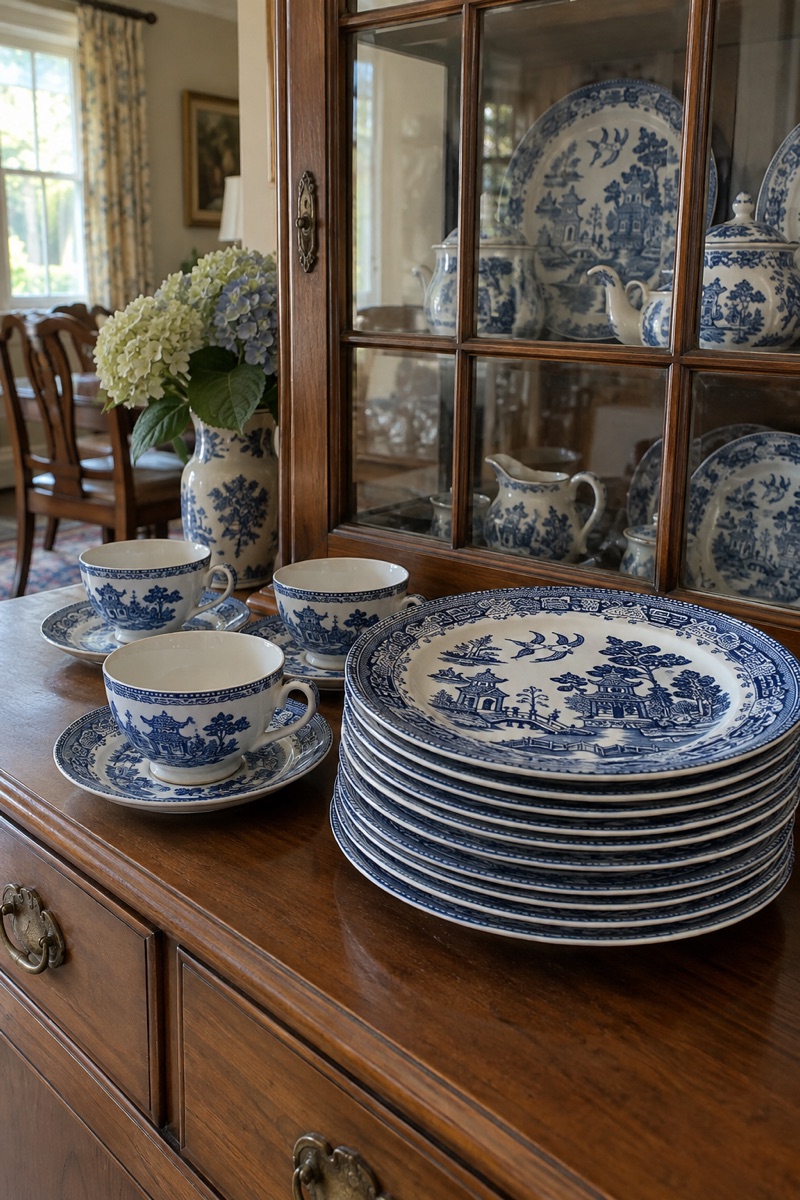
First
Photograph what's being passed on
A photo is enough. Room by room on a phone, or lots at once on a computer.
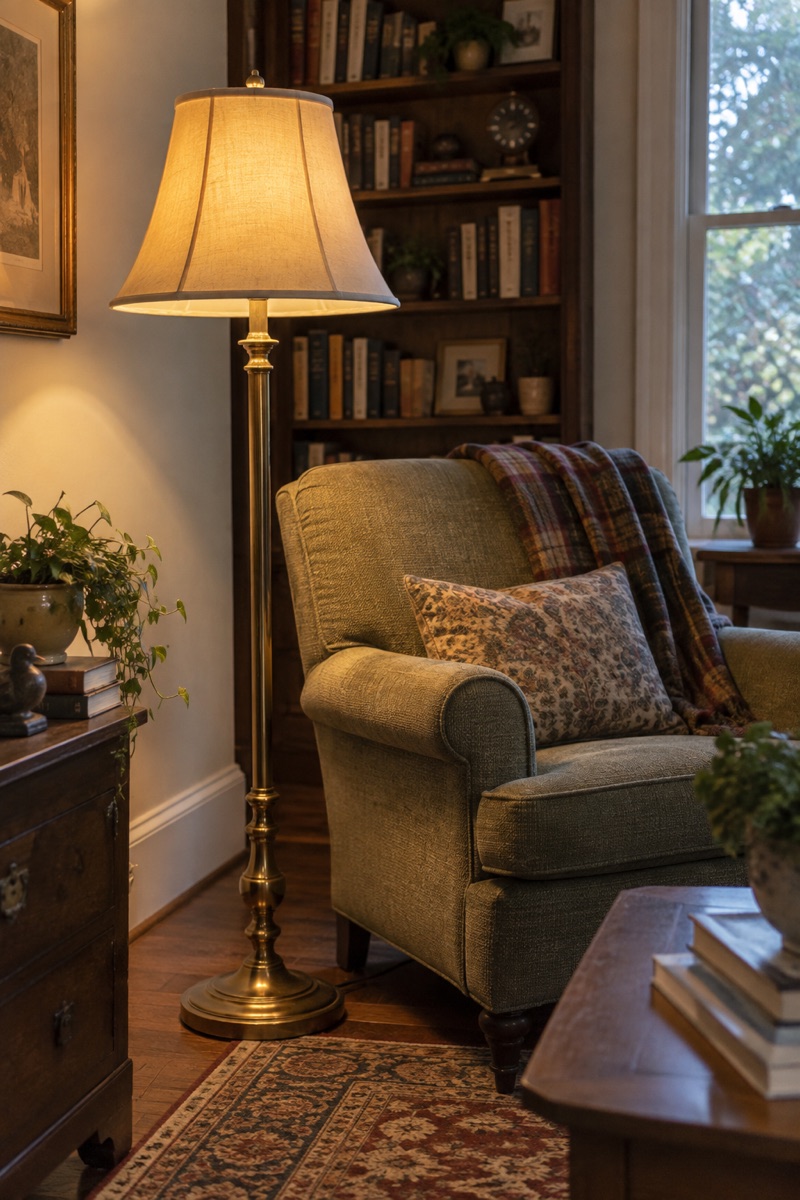
Then
The family says “Save me that”
One link in the family group chat. Everyone looks through the things and says which ones they'd love to keep.
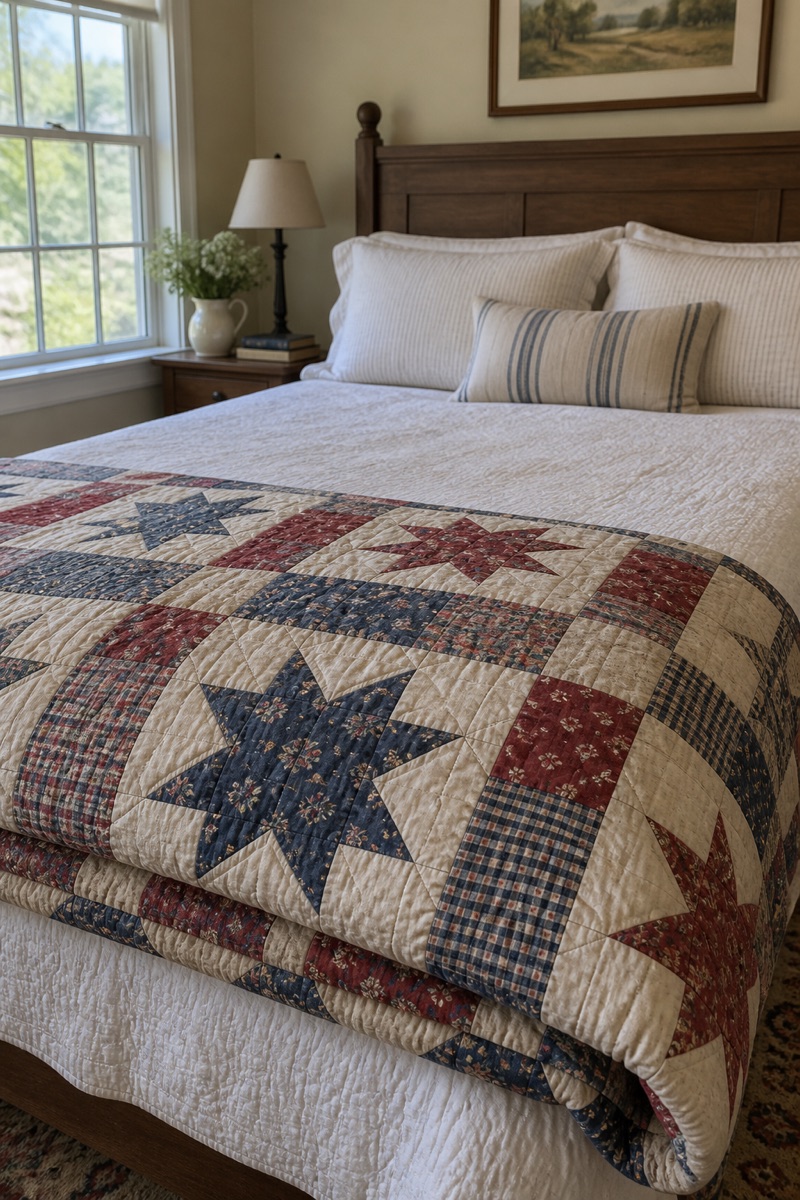
Last
Who gets what is decided, and everyone hears
The person passing things on chooses who gets each thing, or lets the app choose fairly. Each person is told what was saved for them.
What it does
Nobody sees who asked for what
Only the person passing things on and anyone helping them can see who asked, so asking never feels awkward and nobody's left out in front of everyone.
One link for the whole family
Share it in the group chat. People sign in with a code from an email, so there's no password to remember.
Fair when two people ask
Choose who gets it, or let the app choose fairly between everyone who asked.
News without a flood
A short note when there's something new to look at or something saved for you. Twenty new photos make one note, not twenty.
A phone for the house, a computer for the sorting
Take photos room by room on a phone. On a computer, drop in lots of photos at once and sort everything side by side.
Optional
Printed tags, if you want them
With a label printer at the house, each thing gets a numbered tag as its photo saves, and scanning the tag opens that thing. You don't need one to start.
Try it first
Look through a sample house the way your family would. Nothing is saved, and there's nothing to sign up for.
iPhone and Android
Save Me That on your phone
The Save Me That app takes photos room by room and tells you when there's something new for you. Sign in with your email and your house is there.
The apps are coming soon. Until then, everything works in your phone's browser.
Some things should stay in the family.
Set up a house in a couple of minutes, then share one link with the family.
Save Me That
You're offlineSomething went wrong on our side
Anything that already went through is safe, and it'll be here when you're back.Try again in a moment.